
What Is IPTV? The Ultimate 2026 Guide to Cutting the Cord
Are you tired of rising cable TV bills and long-term satellite TV contracts? You aren’t alone. Millions of viewers in the UK and around the world are “cutting the cord” and switching to a smarter, more flexible way to watch TV.
The solution is IPTV.
But if you are new to streaming video, the technical jargon can be confusing. What is IPTV? How does it work? And most importantly, how can you start watching thousands of tv channels today for a fraction of the cost of traditional television services?
In this guide, we break down everything you need to know about Internet Protocol Television. For the top apps to get you started, see our guide to the best IPTV players.
What Is IPTV?
IPTV stands for Internet Protocol Television.
In simple terms, it is a broadcasting technology that delivers television content over the internet rather than through traditional terrestrial signals (antennas) or physical fiber optic lines.
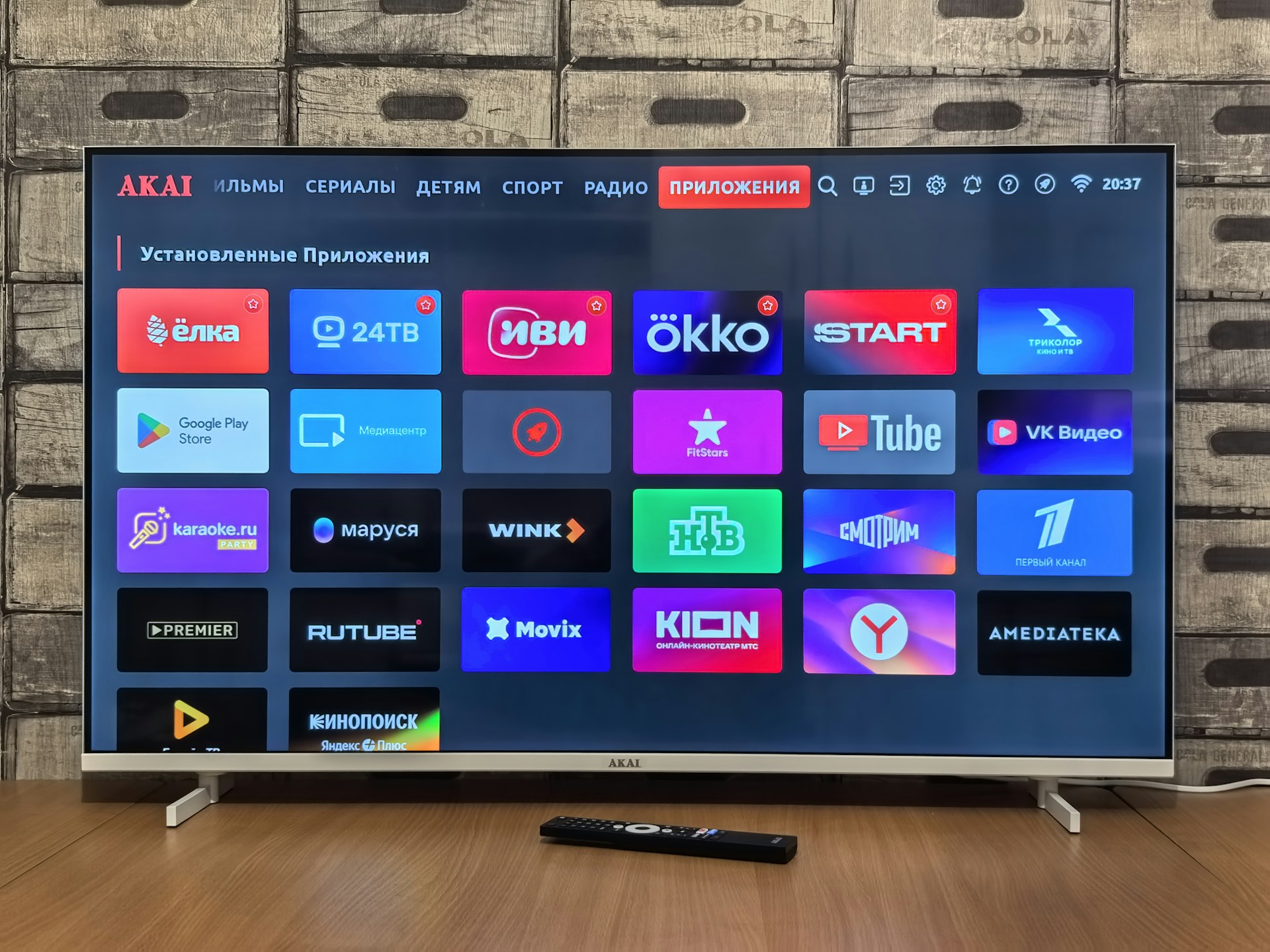
Think of it like YouTube TV or Netflix, but for live television. Instead of waiting for a show to air at a specific time on a specific channel that you can only watch on one tv set in your living room, IPTV gives you the freedom to stream high definition live channels, movies, and on-demand series to almost any connected device.
With a service provider like GoldenTV, you aren’t just getting the standard UK networks—you get access to over 28,000 channels from around the globe, including live sports, movies, and documentaries.
How Does IPTV Work?
Traditional broadcast TV broadcasts send analog or digital video signals via cables or airwaves. You have to be tuned in to catch the signal, and you can’t “pause” or “rewind” live TV without expensive DVR hardware.
IPTV works differently. It sends video signals as data packets over your high-speed broadband connection.
Here is the simple 3-step process:
- Storage: TV programs and movies and tv shows are stored on powerful servers.
- Request: When you click a channel on your IPTV app, your device sends a request to the server.
- Transmission: The server sends the video streams directly to your device via the public internet in real-time.
This process is known as unicasting. Because the content is digital, it allows for features that old-school pay TV can’t offer, such as:
- Video on Demand (VOD): Browse libraries of movies and box sets instantly.
- Catch-up TV: Watch shows you missed hours or days ago.
- Multi-screen: Watch on your TV, phone, or tablet simultaneously.
What Do I Need to Use IPTV?
Getting started is much easier than installing a satellite dish. In fact, you probably already own the hardware you need. If buffering becomes an issue, follow our IPTV buffering fixes.
1. High-Speed Internet
Since IPTV streams video live, a stable connection is key.
- SD Content: Minimum 10 Mbps
- HD Content: Minimum 15 Mbps
- 4K/UHD Content: Minimum 25 Mbps
2. A Compatible Device
You don’t need a specific set top box. IPTV works on:
- Smart TVs (Samsung, LG, Sony, etc.)
- Streaming Sticks (Amazon Firestick, Roku, Chromecast)
- Android Boxes (Nvidia Shield, generic Android boxes)
- Mobile Devices (iOS and Android phones/tablets)
- Computers (via web browser or media players like VLC)
3. An IPTV App
This is the interface where you browse channels. Popular apps include IPTV Smarters Pro, TiviMate, and XCIPTV. These apps are essentially “players” that you connect to your service. Discover our picks for the best IPTV players for Firestick and Smart TV.
4. A Subscription
This is where GoldenTV comes in. You need a provider to give you access to the channels. We provide you with the login details (M3U URL or Xtream Codes) that you enter into your app to unlock the content. Check out our pricing packages to get started.
Once you understand what is IPTV, getting everything set up and streaming takes less than five minutes. Follow our installation guide to connect your GoldenTV account.
Ready to Cut the Cord?
Switching to a premium iptv service is the smartest way to upgrade your entertainment setup in 2026. You get more channels, higher quality (up to 4K), and the flexibility to watch on your own terms—all without paying a massive monthly fee to cable companies.
If anyone ever asks you what is IPTV, you now know it is the undisputed future of home entertainment. Contact us if you need help getting started.